Product tour
See how Tallyo connects everyday invoicing work.
Choose a workflow to explore. Every screen uses fictional demonstration data and shows currently supported Tallyo features.
Safe demonstration: no real customer, business, payment or account data is shown.
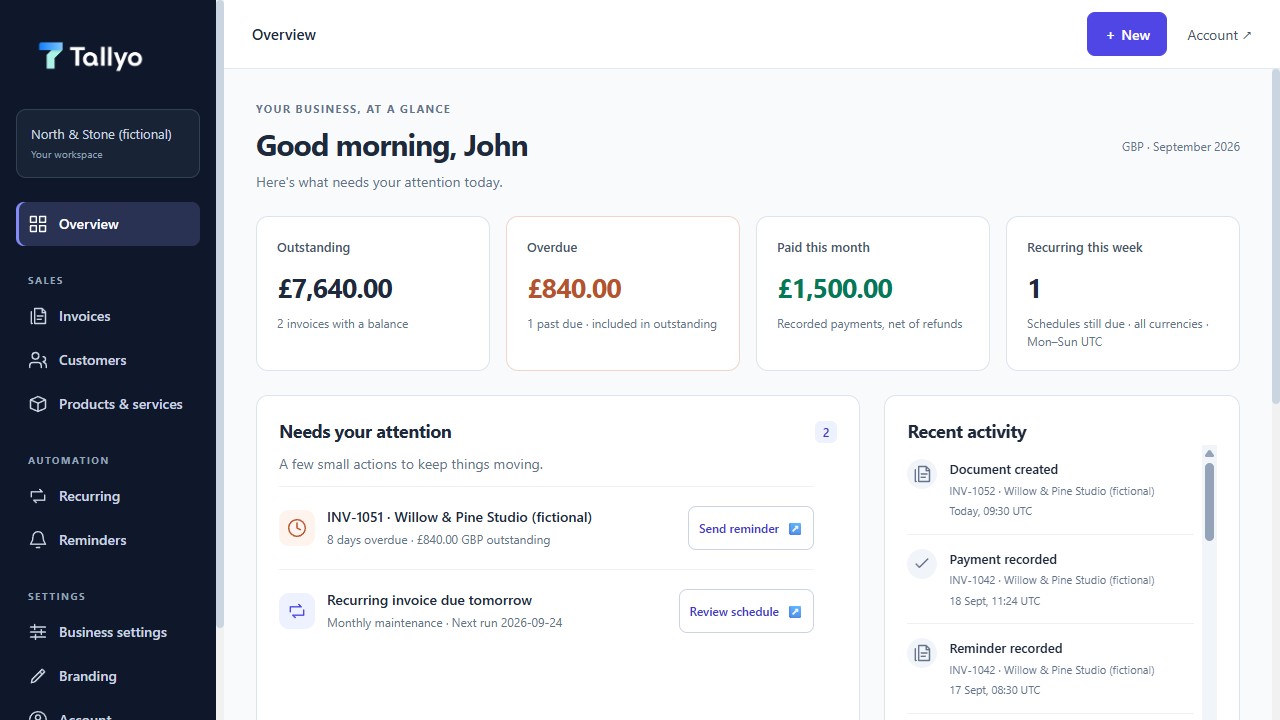
01 · Overview
Know what needs attention
Start with money still to come in, invoices that are late and the next useful action.
Overview
Start with what needs attention
See money still to come in, invoices that are late, payments already recorded and the next useful action as soon as you open Tallyo.
02 · Create & send
Move from customer details to a clear document
Reuse customers and services, prepare an invoice or quote, then review it before sending.
Invoice editor
Build the invoice in clear sections
Reuse products or services, keep the totals visible and open only the part of the invoice you need to change.

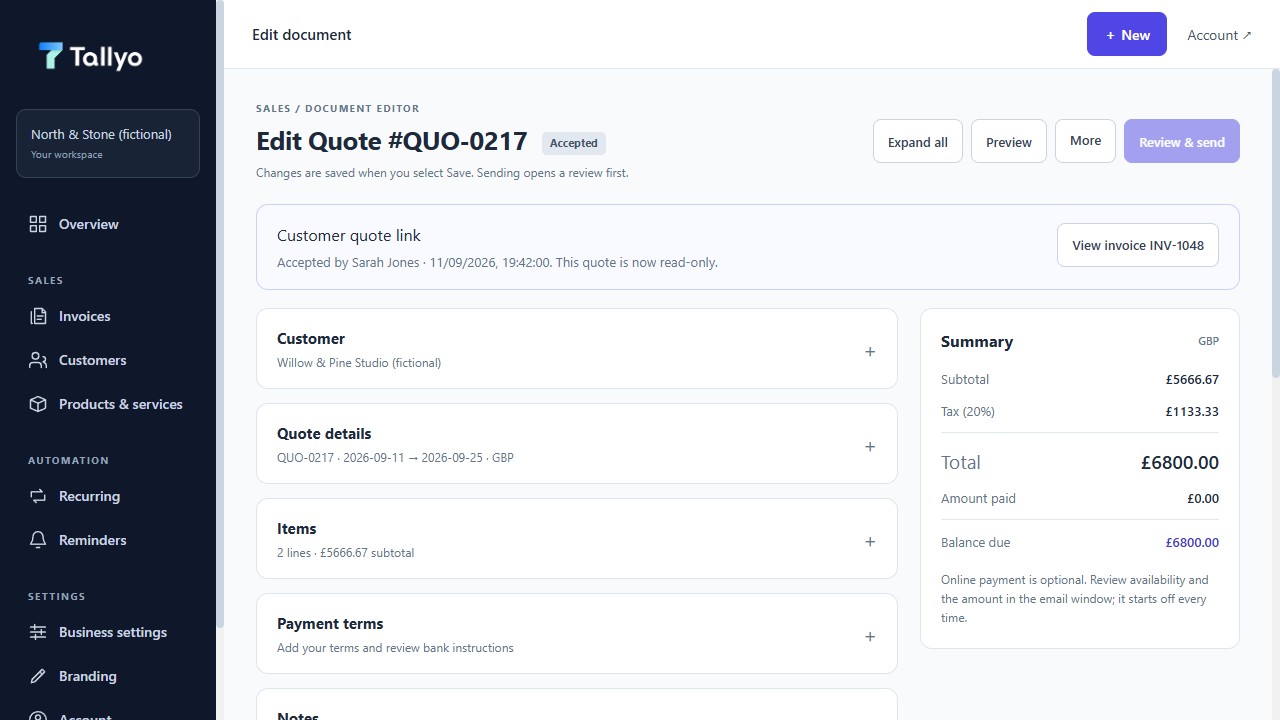
Accepted quote
Turn an accepted quote into an invoice
Tallyo keeps the original quote, records who accepted it and when, then creates one linked invoice. If automatic sending was chosen beforehand, Tallyo emails that invoice too.
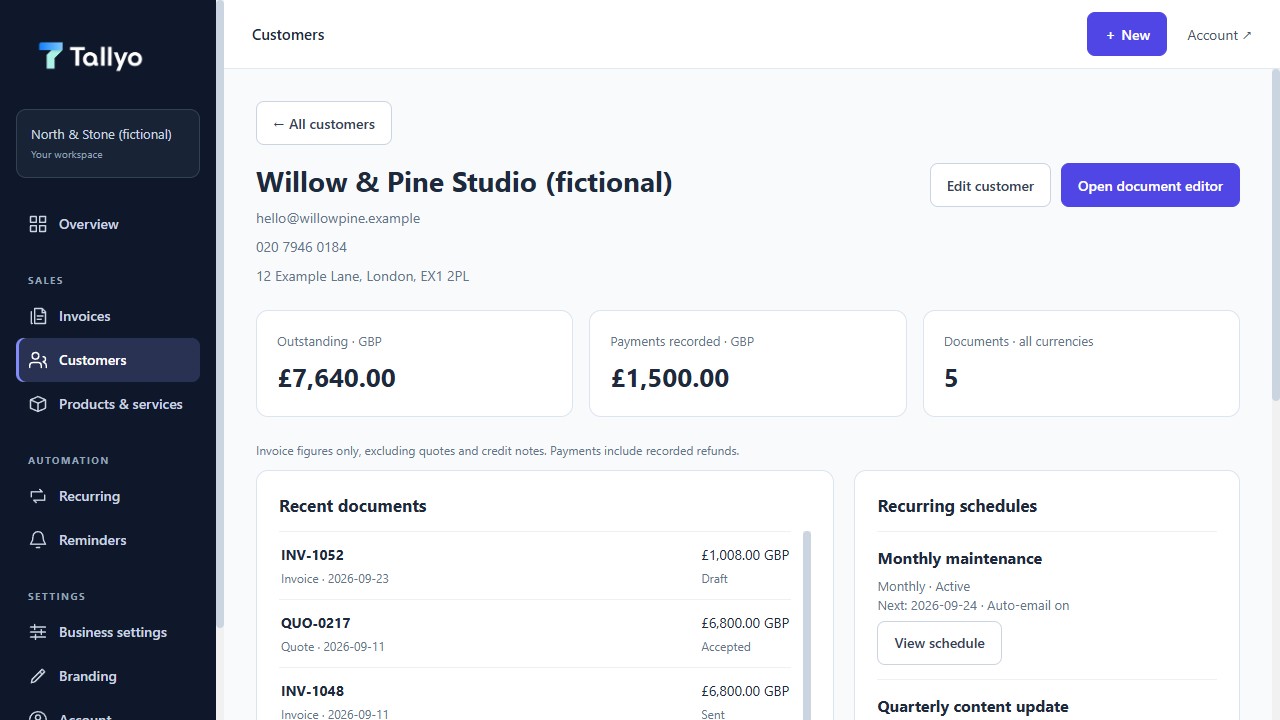
Customer details
See the invoicing relationship
Review the customer’s balances, recent documents, recurring schedules and latest activity without turning Tallyo into a CRM.
03 · Repeat & remind
Create regular invoices and chosen reminders
Set when Tallyo creates each new invoice, choose whether it emails automatically and turn reminders on only for the overdue invoices you want followed up.
Recurring invoices
Create regular invoices automatically
Choose how often Tallyo creates the next invoice, when the schedule starts and ends, and whether each new invoice is emailed automatically.

Overdue reminders
Follow up on late invoices
An invoice becomes overdue when its due date has passed and money is still owed. You decide which overdue invoices receive automatic reminders.

04 · Payments & history
See what has been paid and what happened
Record deposits, part-payments and final payments, see what is left, and read the document history in one place.
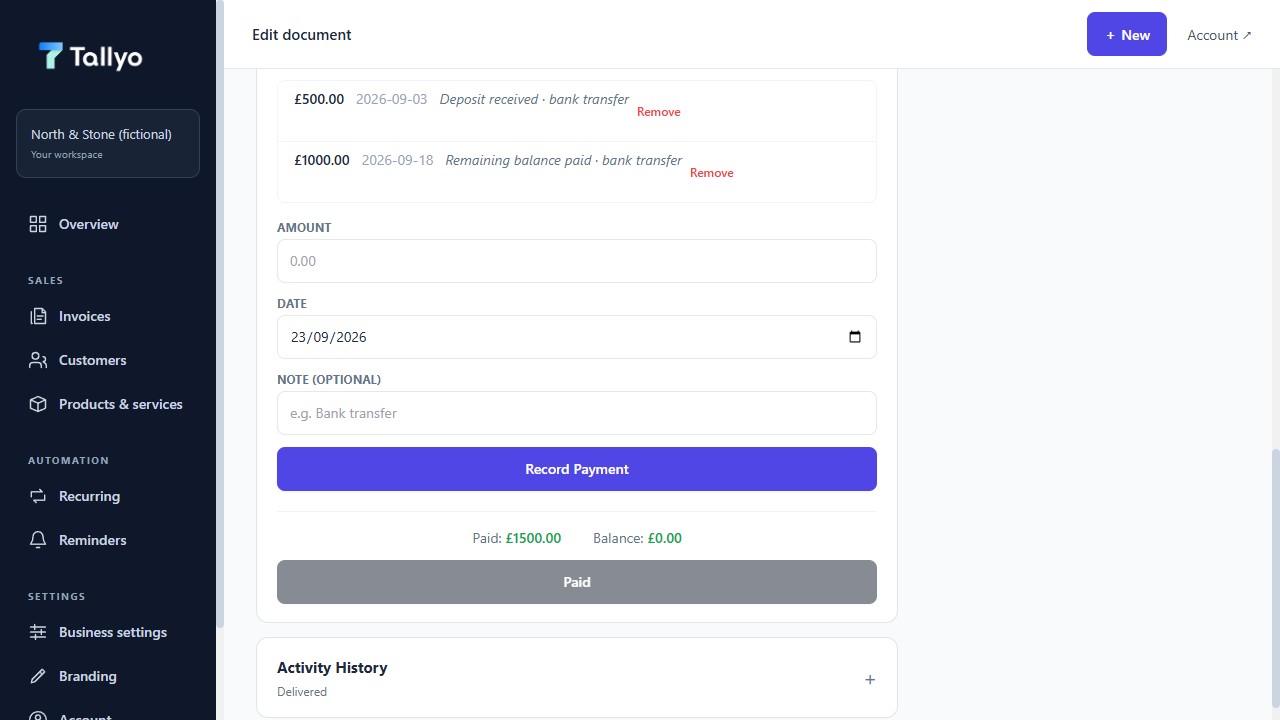
Payment records
Record deposits through to final payment
Add each deposit, part-payment or final payment to the same invoice. Tallyo shows what has been paid and the amount still left.
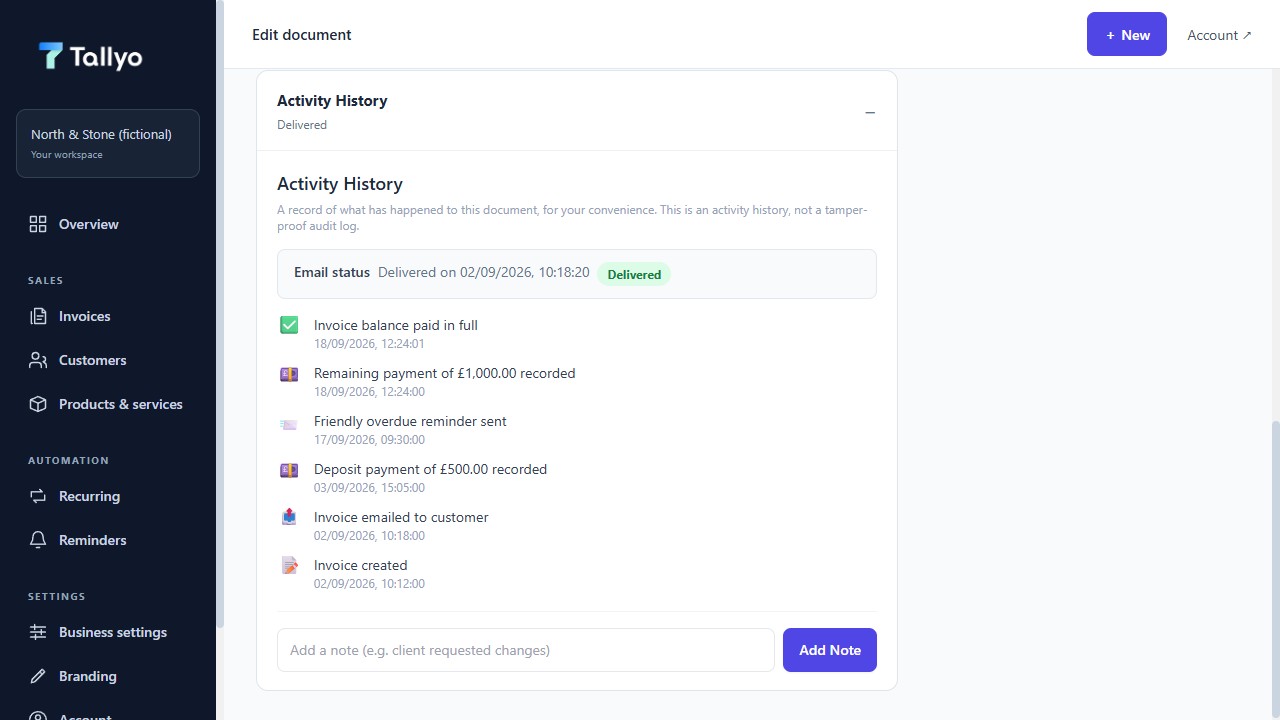
Activity history
See what happened and when
The document history lists when an invoice was created or sent, when a reminder went out and when each payment was recorded.
05 · Personalise & access
Present your business and protect access
Apply your branding, manage account protection and use core workflows on a supported phone.
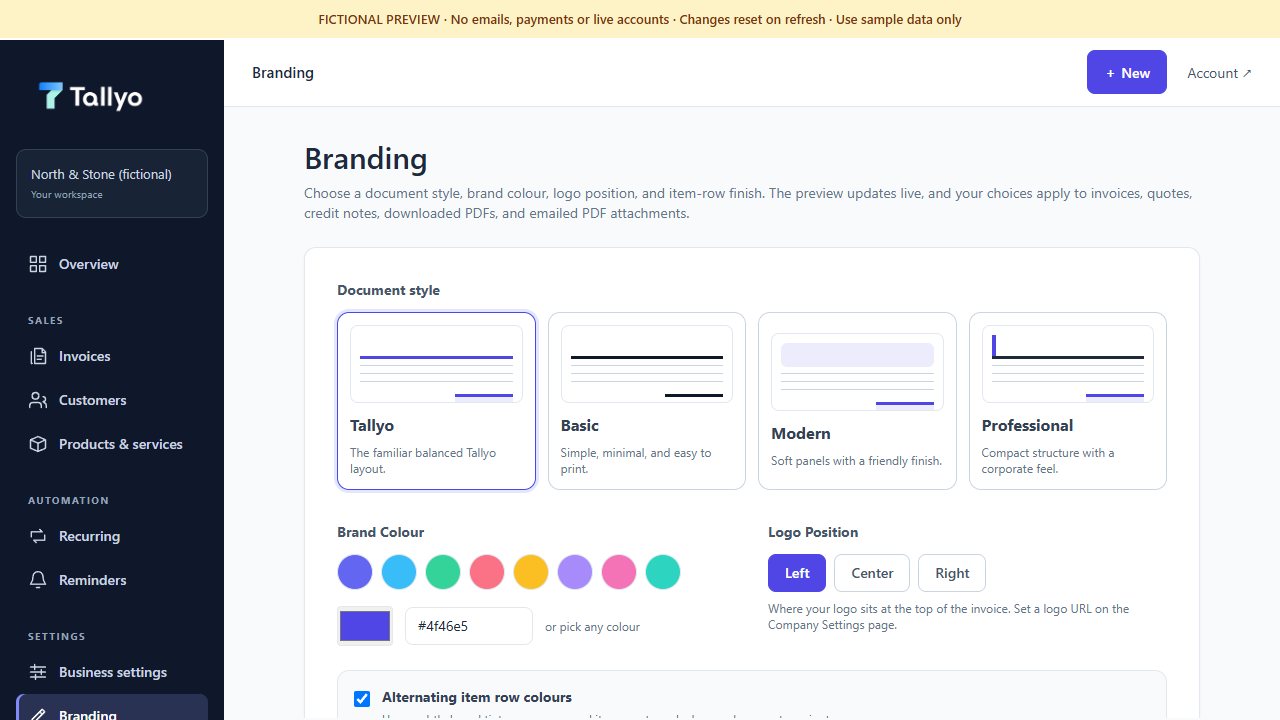
Branding
Make documents recognisably yours
Choose the brand colour and logo position while a live invoice preview shows exactly how customer documents will feel.
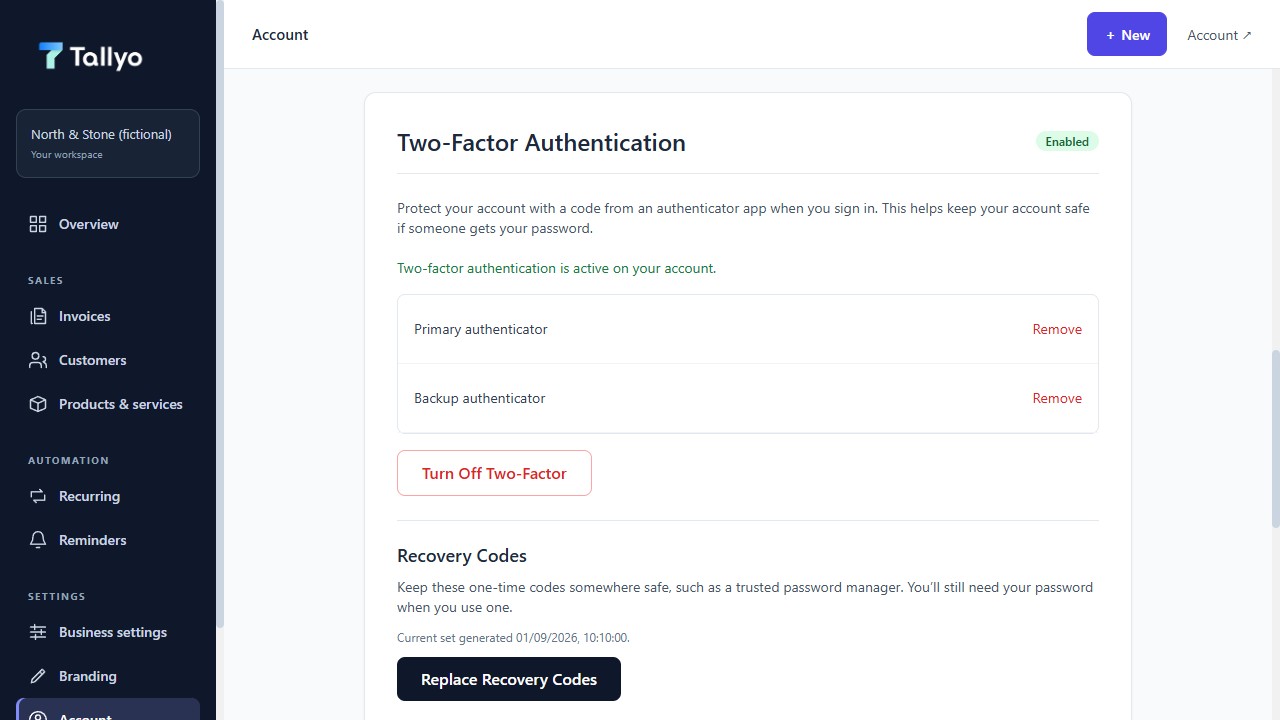
Account security
Choose stronger sign-in protection
Keep a primary and backup authenticator in view, and replace recovery codes from the same focused security area.
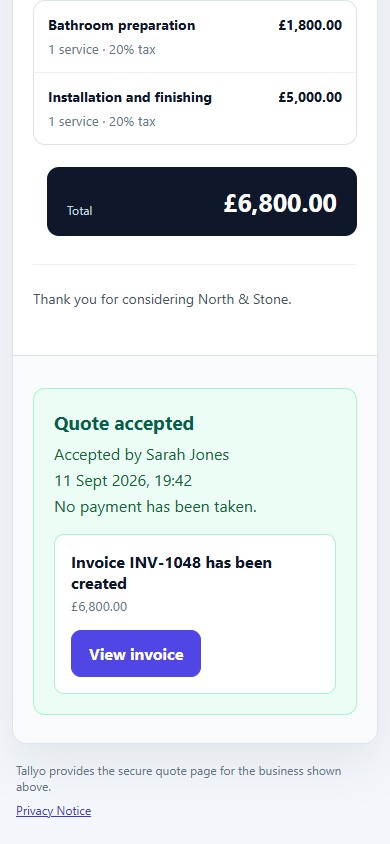
Customer quote acceptance
Make the customer’s next step obvious
The secure mobile page confirms who accepted the quote, when it happened and which invoice was created next.
Ready when you are
Want to try the document experience?
Create a free invoice in your browser, with no account required.